Describe it
Open the chat and say what you want. The pixel art and animation skills are already installed in the project, so the agent knows the format, the sizes and the folders.
Your agent draws the sprites. You review them, fix a pixel and ship.
Pixel art skills built in. Use Fable 5 with your own Claude Code account.
Free · open source · MIT · runs on your machine
Your agent runs in your project folder with your own sign-in. cosprite is where you see what it made and make it yours.
Open the chat and say what you want. The pixel art and animation skills are already installed in the project, so the agent knows the format, the sizes and the folders.
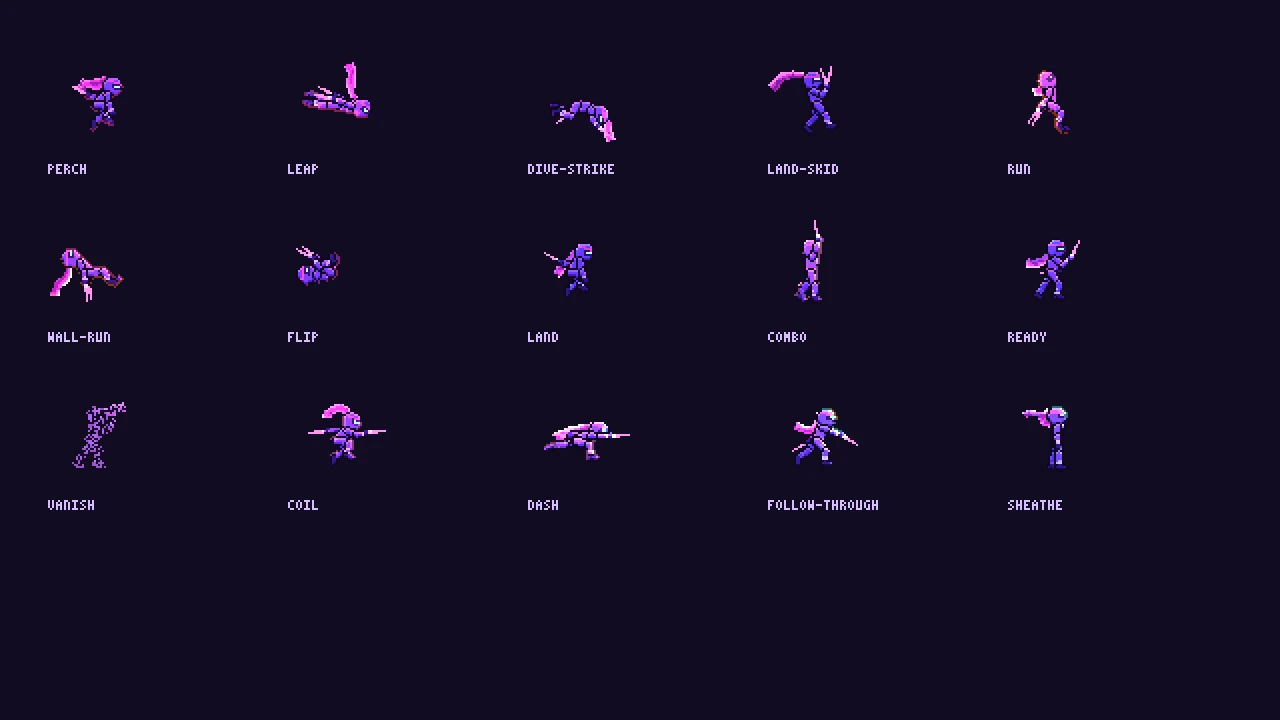
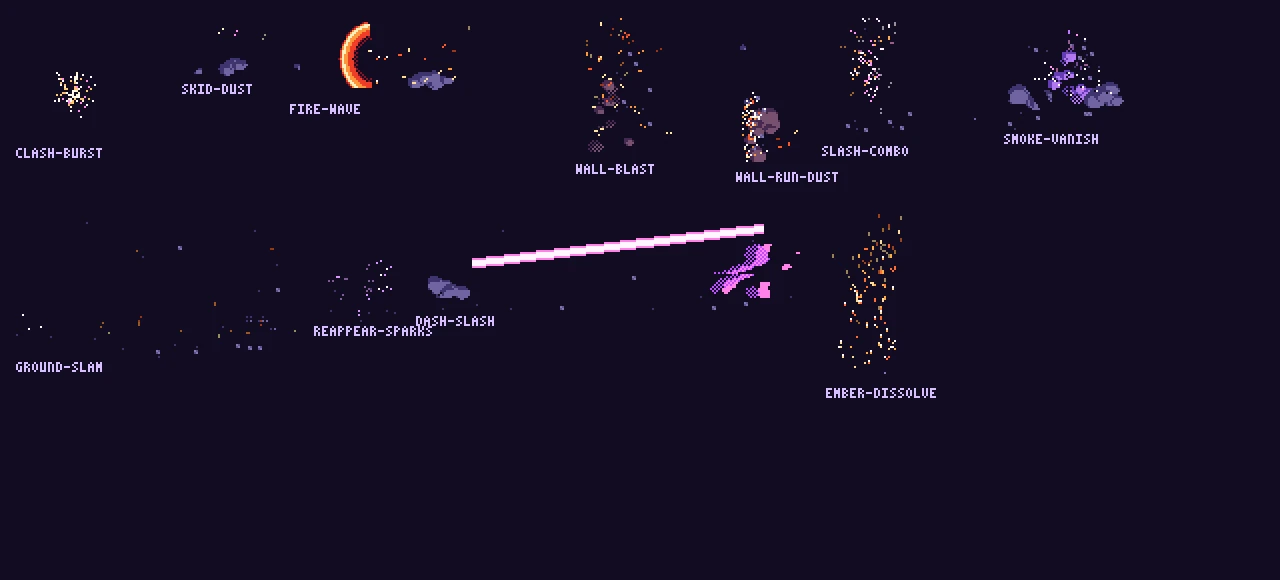
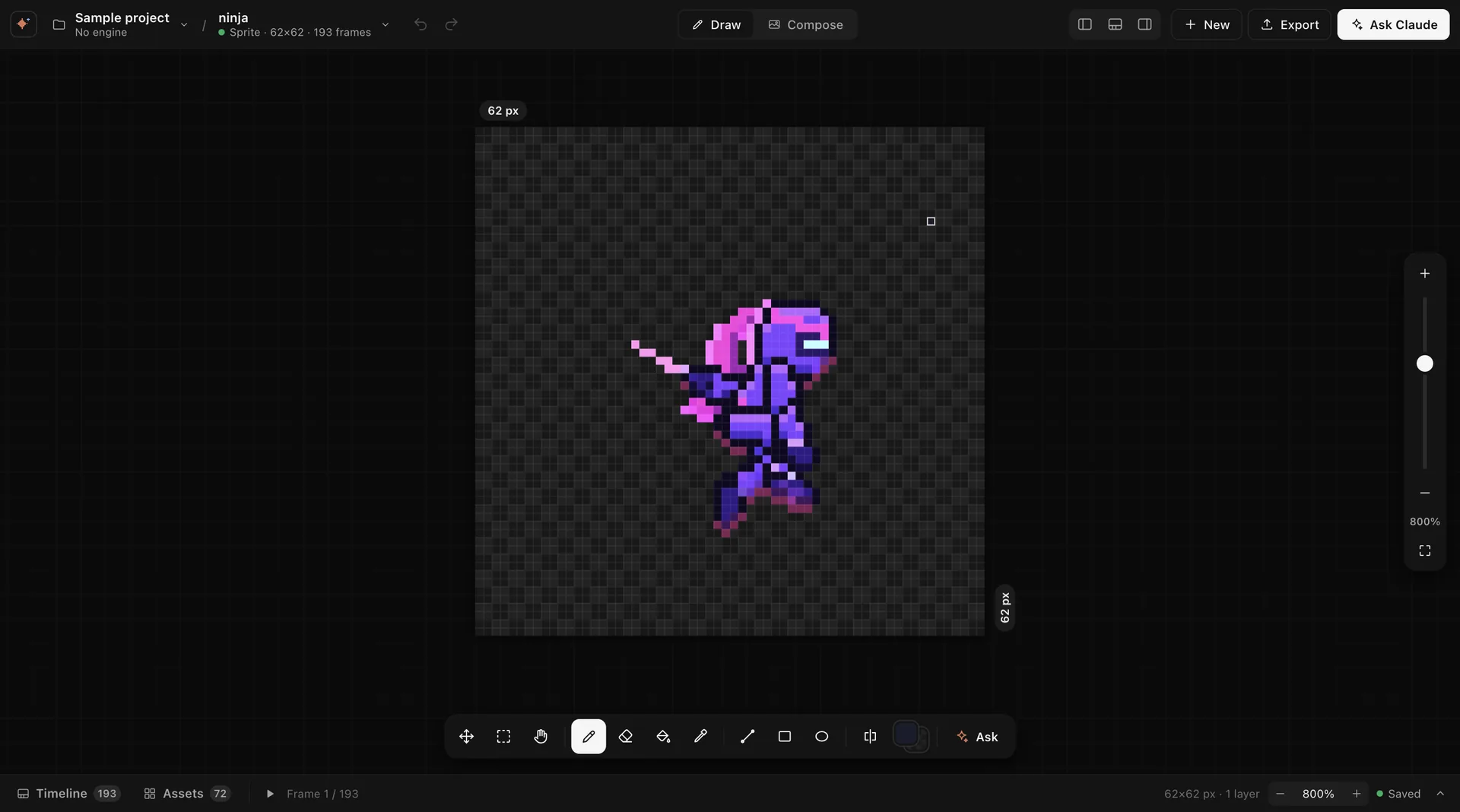
Sprites are plain JSON: layers, frames, tags, one string per pixel row. As the agent writes them, they show up live in the editor, with every move as its own tag.

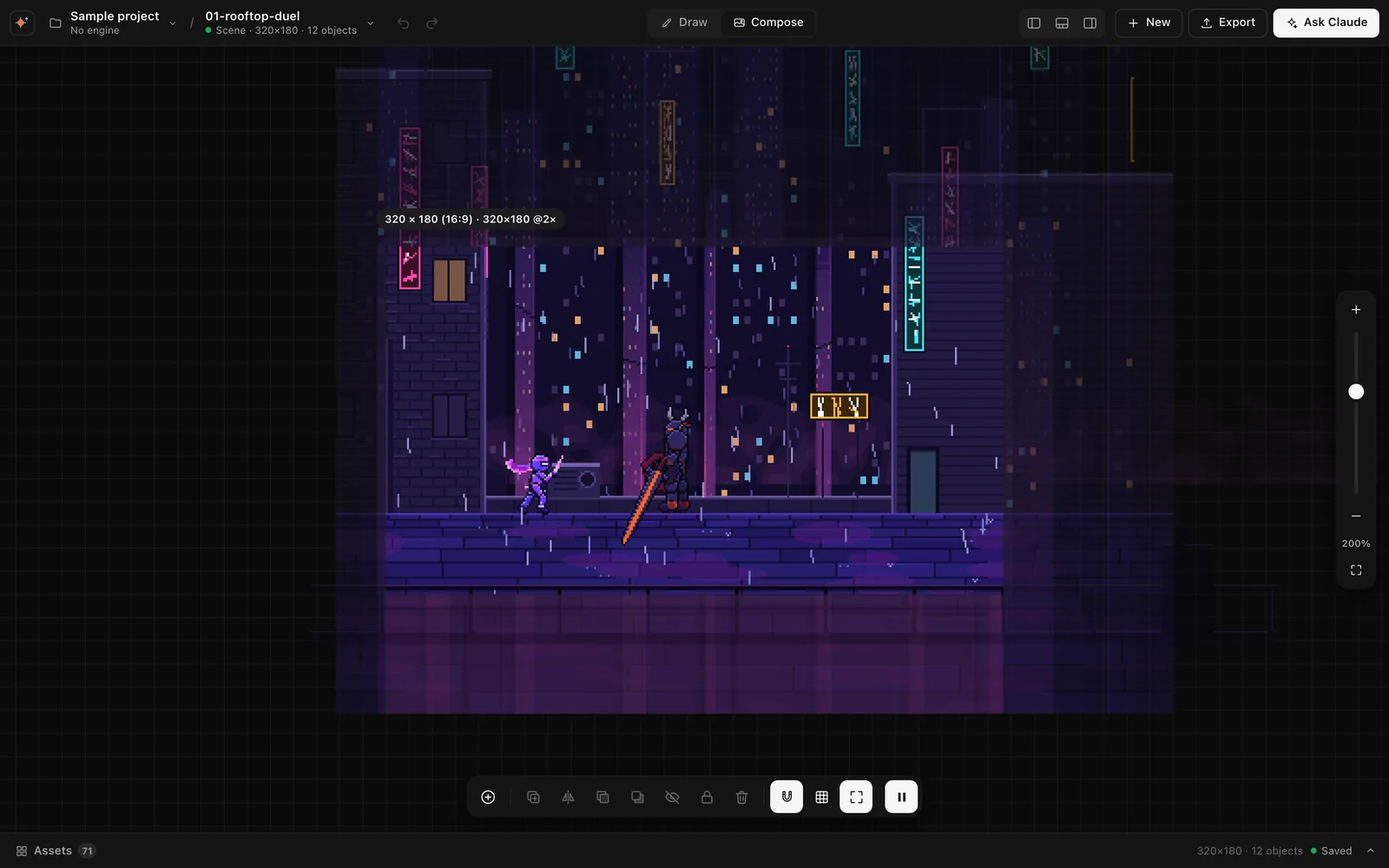
A real pixel editor: pencil, fill, selection, mirror, layers, onion skin and a timeline. Retime a frame or clean a pixel; everything stays undoable with ⌘Z.

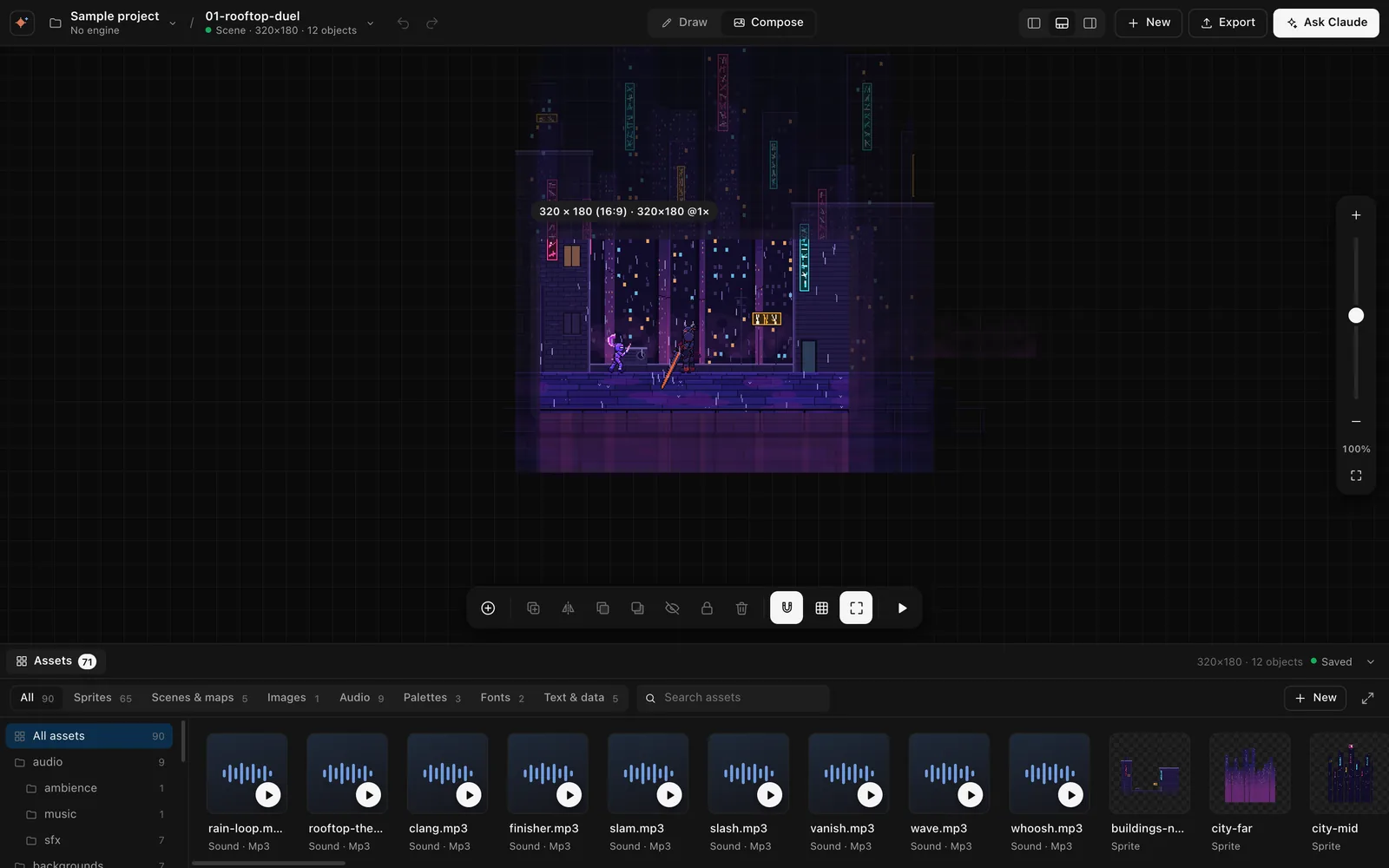
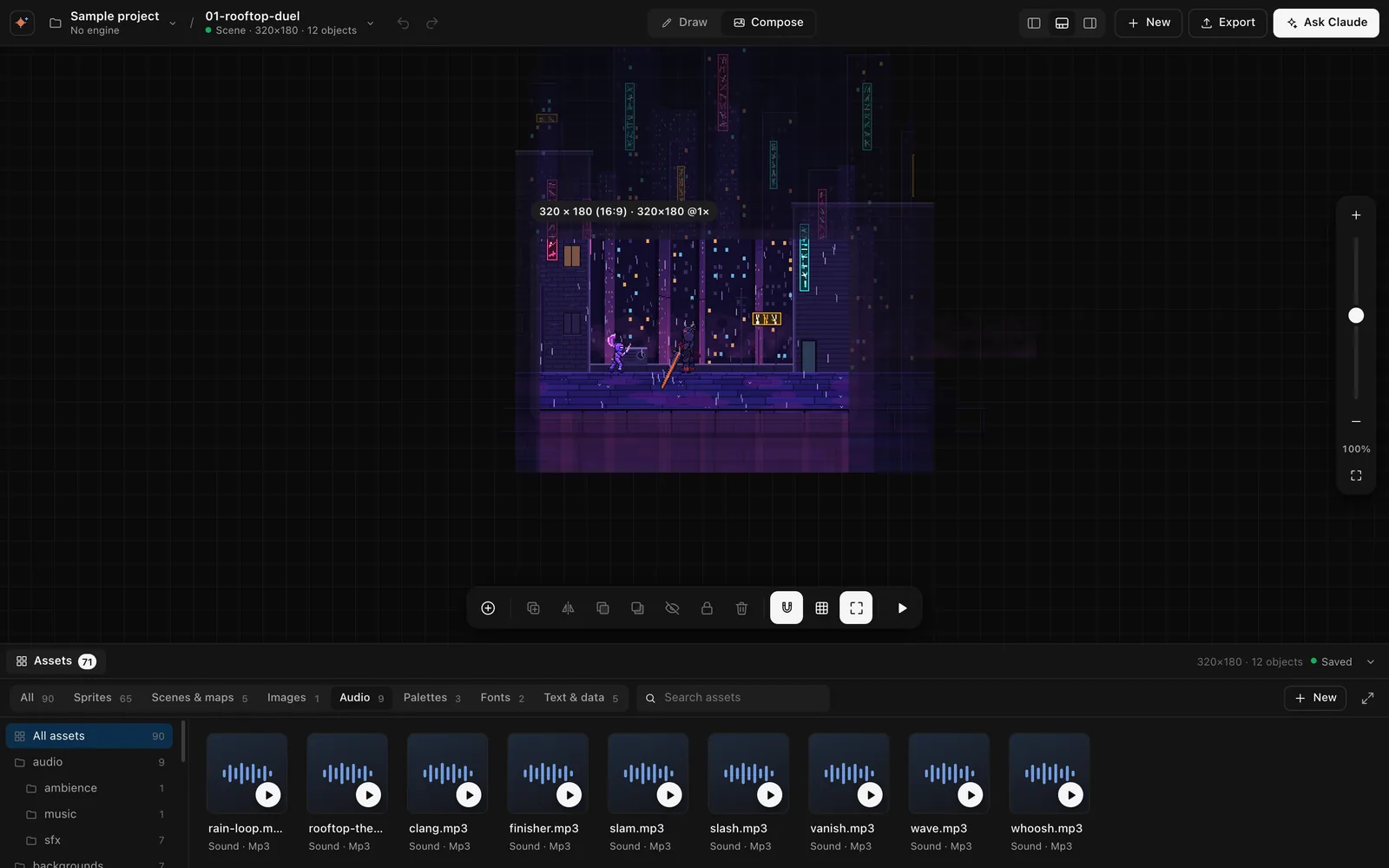
Place characters, effects and parallax layers in a scene and press play. Export PNGs, sprite sheets or GIFs into your engine's folders.

cosprite opens on the Neon Rooftop project. Remix any piece of it, or ask your agent to extend it.


Previews every game asset
Sprites · Aseprite · PNG · SVG · sounds · tracker music · video · palettes · bitmap fonts · Tiled & LDtk maps · sprite sheets · 3D & voxel models
Engine layouts
Godot · Unity · Unreal (Paper2D) · GameMaker · Phaser · none
Needs Node 20 or newer. Works on macOS, Linux and Windows.
git clone https://github.com/gracelungu/cosprite && cd cosprite && npm install && npm start
Clone https://github.com/gracelungu/cosprite into my dev folder, run npm install, then npm start and tell me the URL it opens.
claude, codex or gemini. No API keys go into cosprite.Yes. cosprite is open source under the MIT license. Your agent account (Claude, ChatGPT or Gemini) is separate and works as it always does.
No. cosprite runs the Claude Code, Codex or Gemini CLI you already have, signed in with your own account. It never asks for or stores keys.
Whatever your CLI offers. The model and thinking-effort pickers are read live from the CLI, so with Claude Code you can choose Fable 5 or any other model your account has.
In your own project folder, as plain files: .sprite.json and .scene.json that are easy to diff, plus the PNGs, sheets and GIFs you export. Open your Godot or Unity project directly and assets are filed where the engine expects them.
Yes. The editor works on its own: layers, frames, tags, onion skin, scenes and export. The agent is there when you want it.
pixel-sprite, animation-cycle, tileset and sprite-from-reference. They live in your project's .claude/skills/, so you can read and edit them.